View and Manage Memory
MaiBot stores what it learns from chats in long-term memory, just like human memory. The 长期记忆 (Long-term Memory) page (/resource/knowledge-base) under the "麦麦资源管理" (MaiBot Resource Management) sidebar group centralizes memory management: query, import, correct, delete, and tune — all in one place.
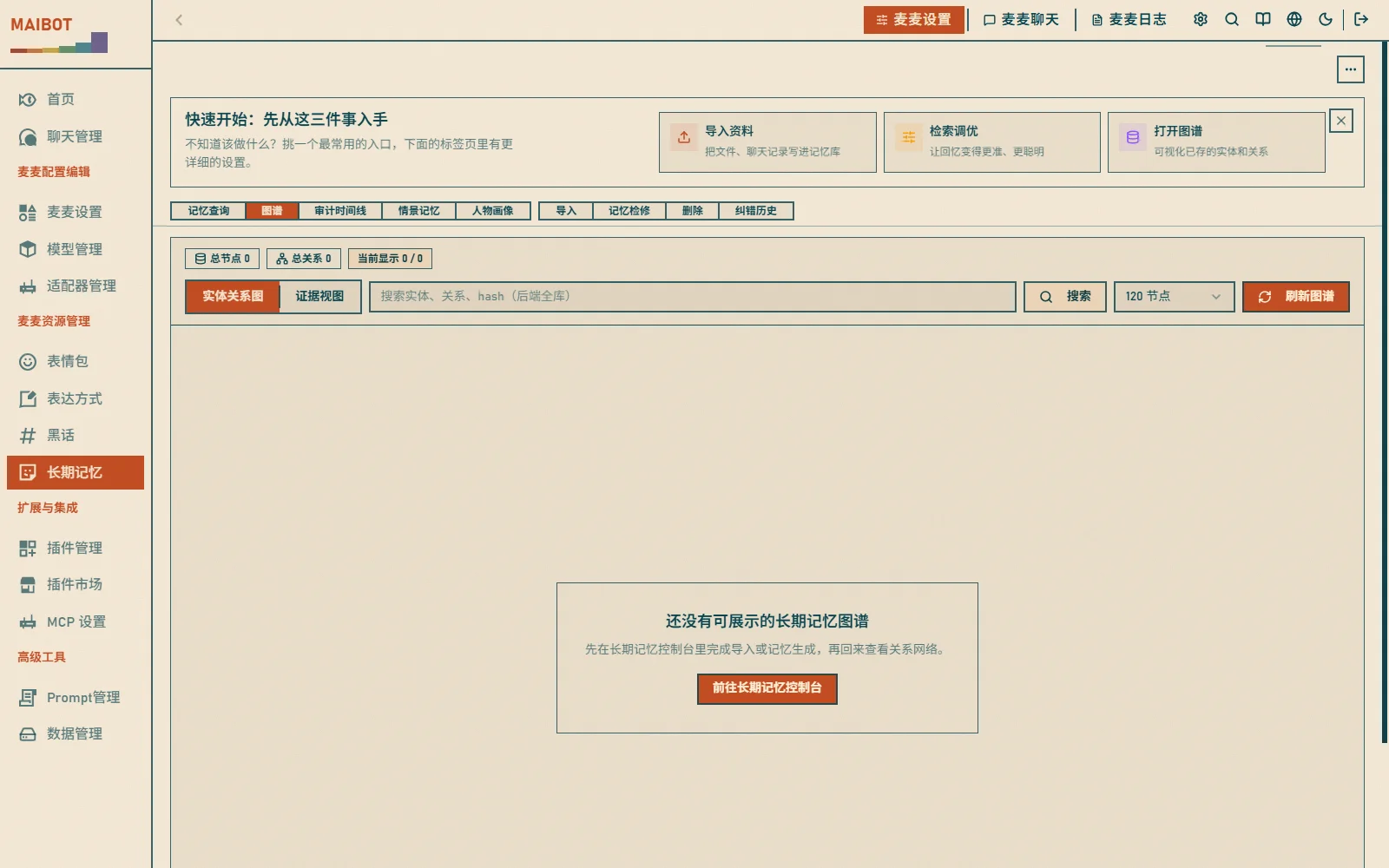
Memory Overview
Open the Long-term Memory page; the top tab bar is organized by purpose:
- 记忆查询 (Memory query) - search memory content
- 图谱 (Graph) - entity relation graph and evidence view
- 审计时间线 (Audit timeline) - review memory changes per chat flow
- 情景记忆 (Episodic memory) - view and rebuild episodic memories
- 人物画像 (Person profiles) - query and maintain person profiles
- 导入 (Import) - create and manage import tasks
- 记忆检修 (Memory inspection) - maintain memory state and correct content
- 删除 (Delete) - bulk delete and history rollback
- 纠错历史 (Correction history) - view feedback and rollbacks
Search Memory
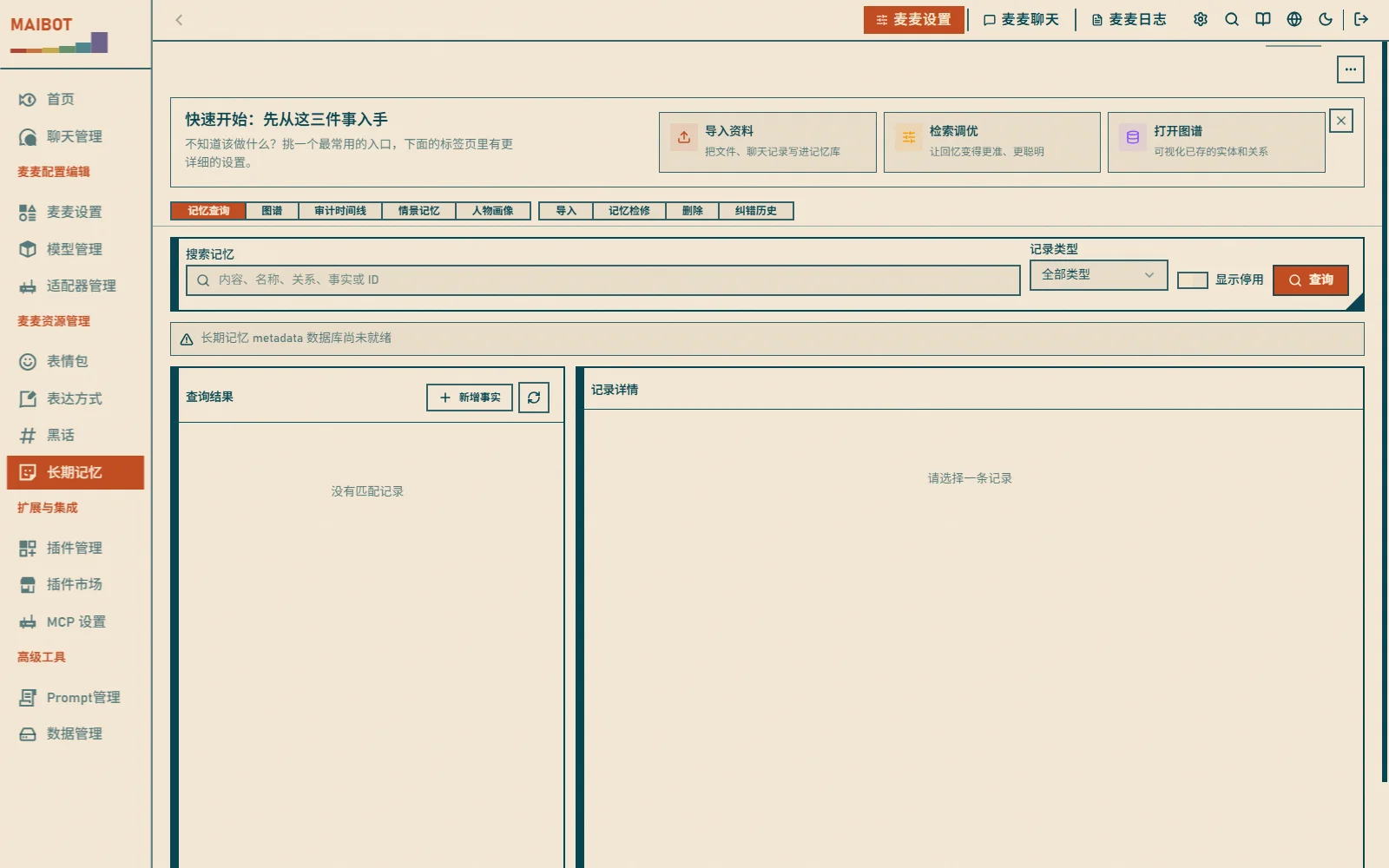
In 记忆查询 (Memory query), enter keywords (e.g. "game", "food") and filter by time or by user to see memories from a period or from chats with a specific person.
Knowledge Graph
The 图谱 (Graph) tab shows relations between concepts like a mind map:
- Each node is a concept (e.g. "Genshin")
- Edges represent relations (e.g. "Genshin-game")
- Click a node for details
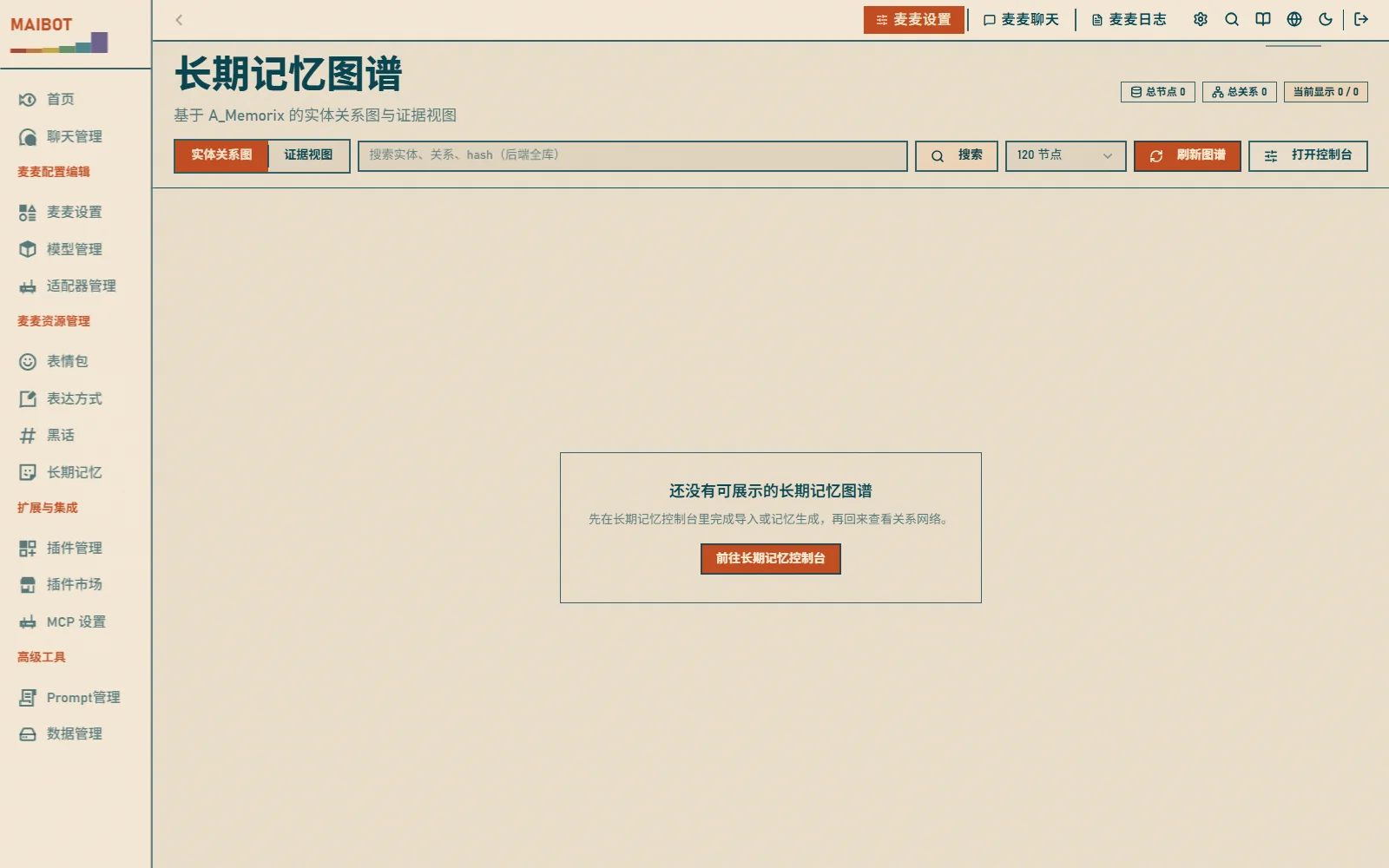
The standalone 长期记忆图谱 (Long-term Memory Graph) page (/resource/knowledge-graph) provides full-screen visualization:
Audit Timeline
Review memory changes for each chat flow:
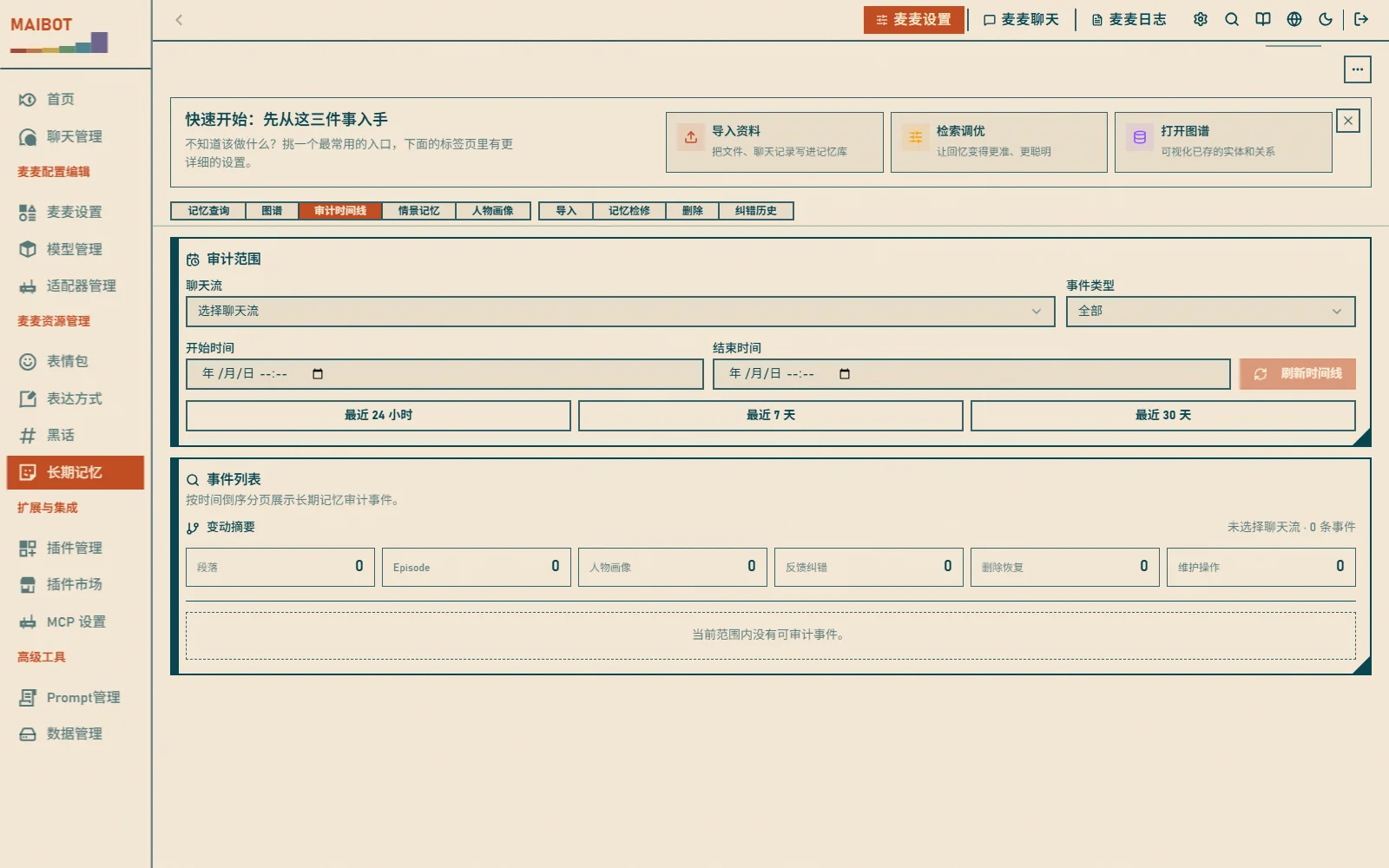
- Memory audit events (add, update, delete, etc.) paginated in reverse chronological order
- Filter by chat flow and event type
- Change summaries are merged directly into the event list
Import Memory
The 导入 (Import) tab lets you teach MaiBot new knowledge manually:
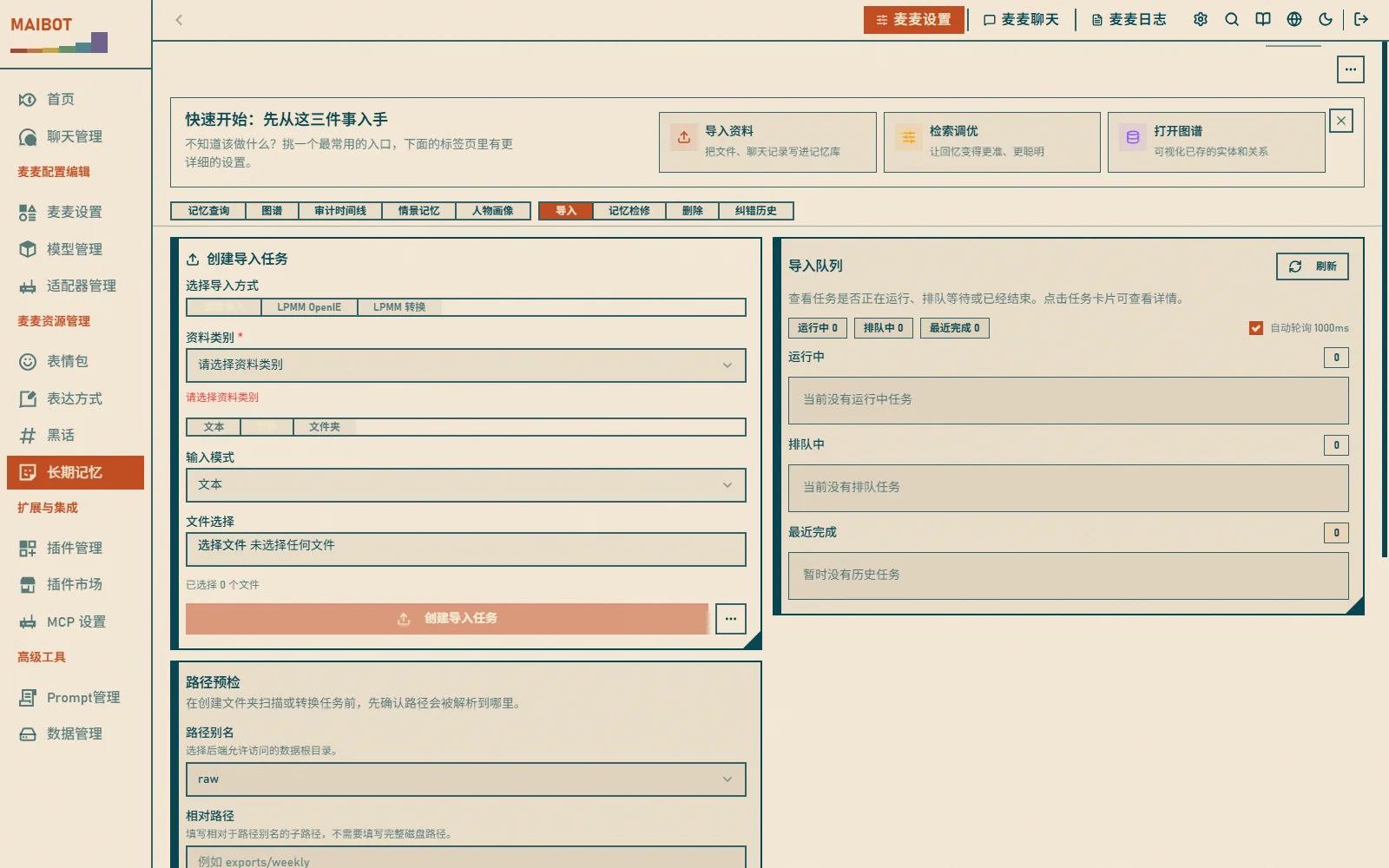
- Choose an import kind: 资料导入 (material import: text, file, or folder), LPMM OpenIE, or LPMM conversion
- Paste text or upload files
- Optionally set common and advanced parameters in the "导入参数" (Import parameters) dialog
- Start the import; the task list shows progress in real time
Correct Memory
When a profile or relation is inaccurate, correct it via 记忆检修 → 内容修正 (Memory inspection → Content correction):
- Set or remove manual overrides in person profiles
- Adjust nodes, relations, or weights in the knowledge graph
- Use feedback correction, delete-and-restore, or re-import to handle outdated content
Plain paragraph text currently has no arbitrary text editing entry; to correct it, delete the wrong source and re-import, or use the feedback correction mechanism.
Delete Memory
Don't want to remember something? The 删除 (Delete) tab supports:
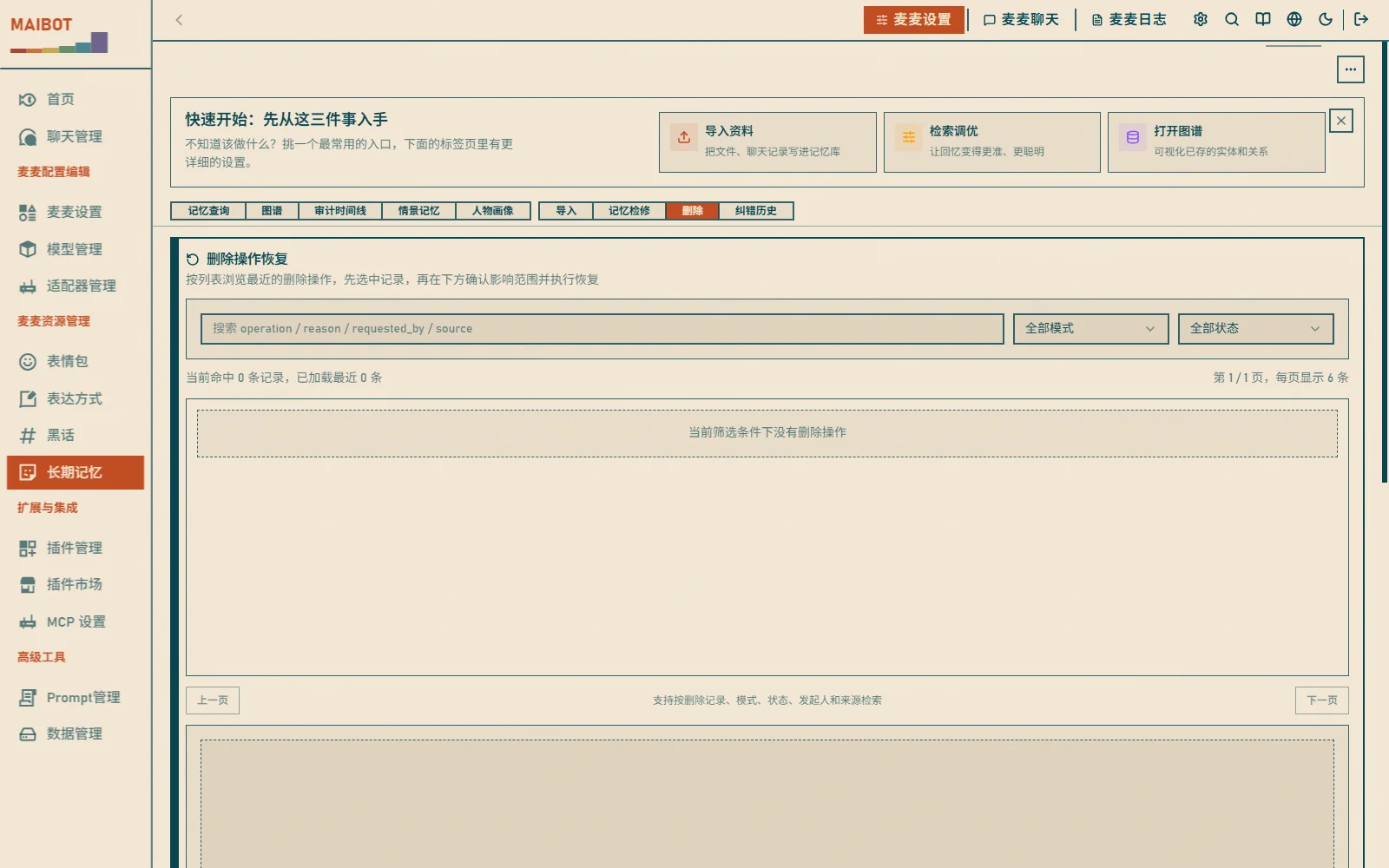
- Single delete: find the memory and click "删除" (Delete)
- Bulk delete: select multiple items and delete together
- Delete by source: delete all memories of a chat flow
⚠️ Note: deleted items go to the recycle bin and can be restored
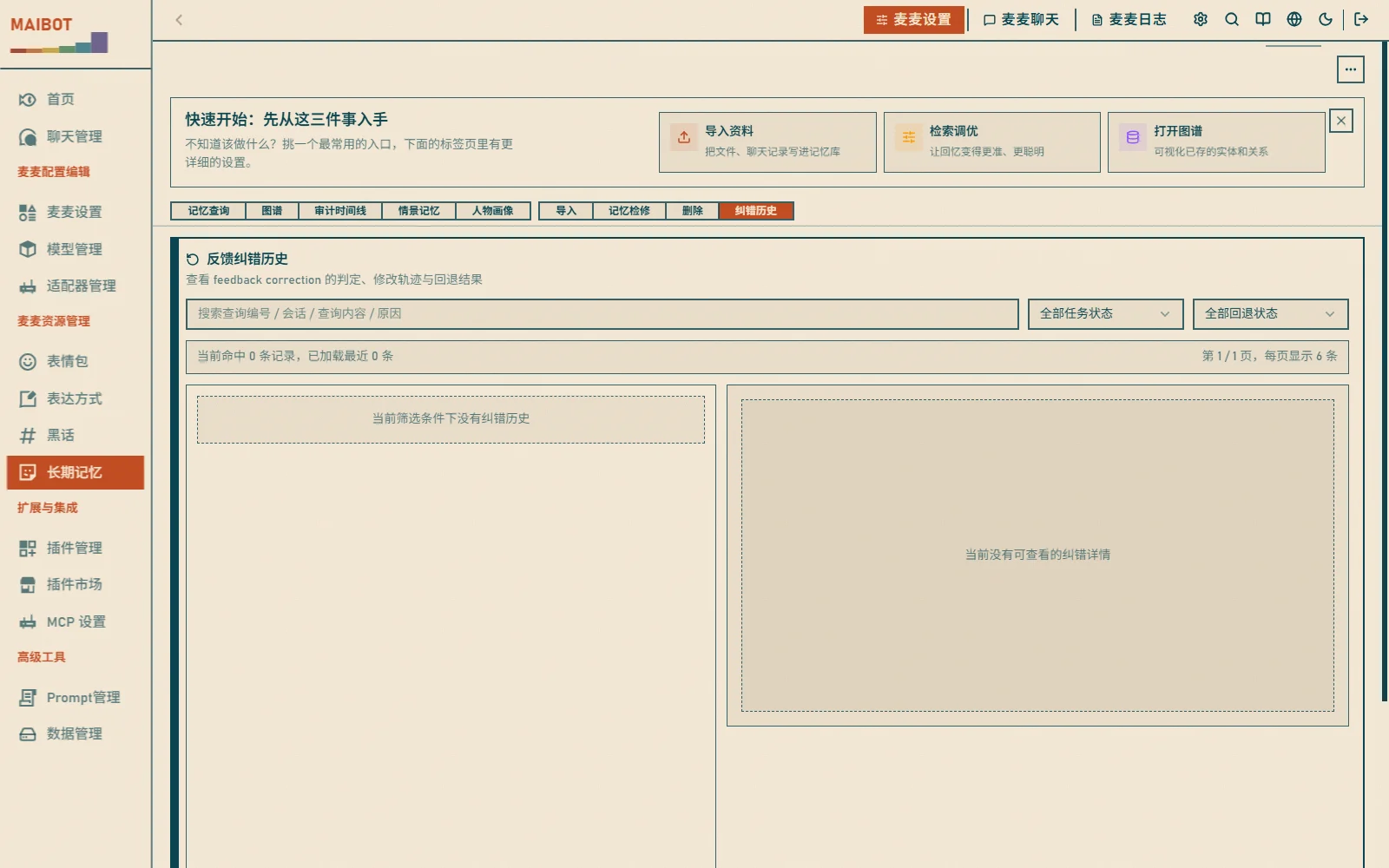
The 纠错历史 (Correction history) tab shows feedback and rollback records:
Person Profiles
MaiBot builds a "profile" for every user:
- Personality traits (outgoing, introverted, etc.)
- Interests and hobbies (games, anime, etc.)
- Chatting habits (sticker usage, speaking style, etc.)
In the 人物画像 (Person profiles) tab or the 人物信息管理 (Person Info Management) page (/resource/person) you can:
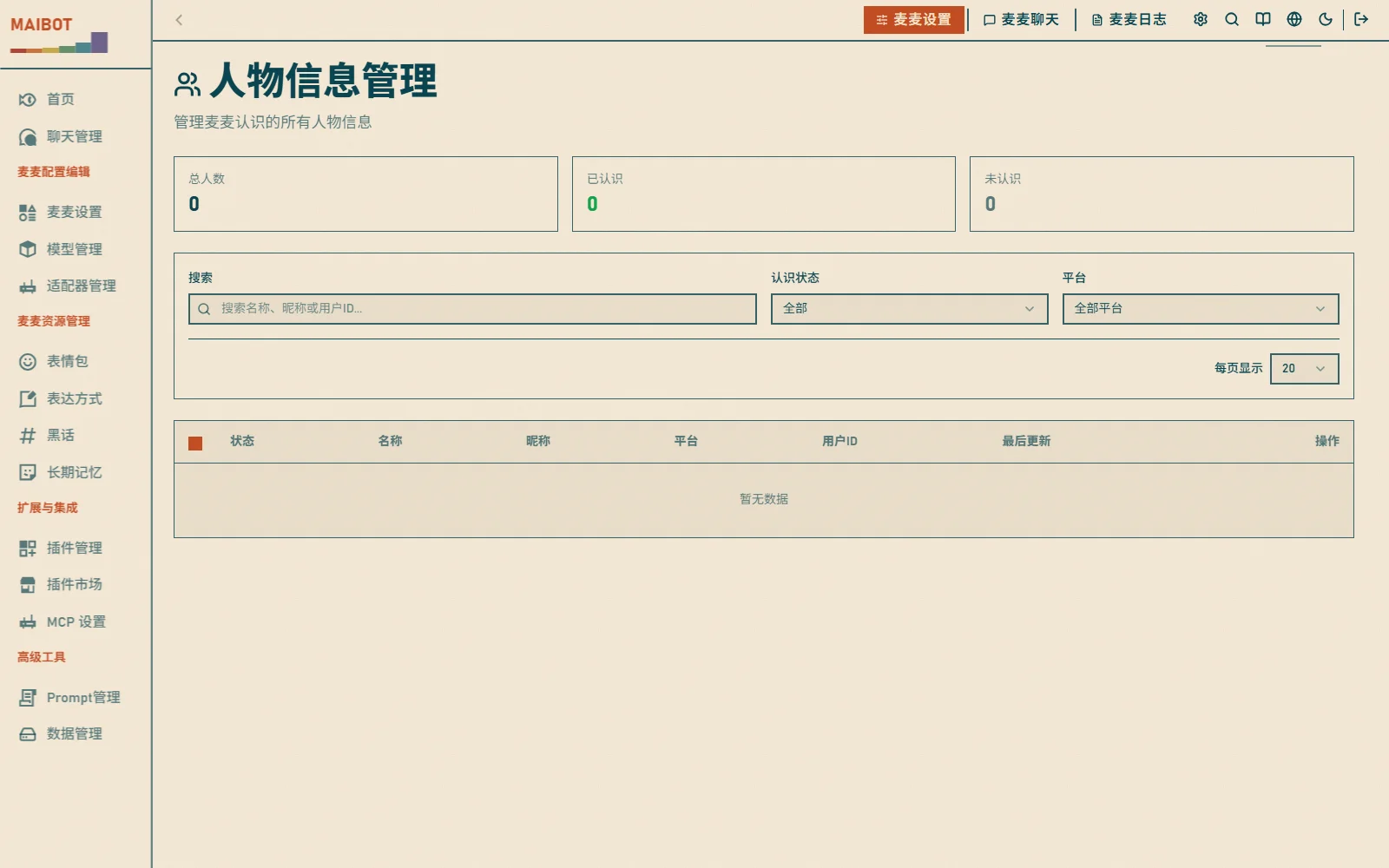
- View profiles
- Correct inaccurate descriptions
- Add notes for friends
Retrieval Tuning
If MaiBot's memory is poor, run a tuning task to optimize retrieval (记忆检修 → 检索调优, Memory inspection → Retrieval tuning):
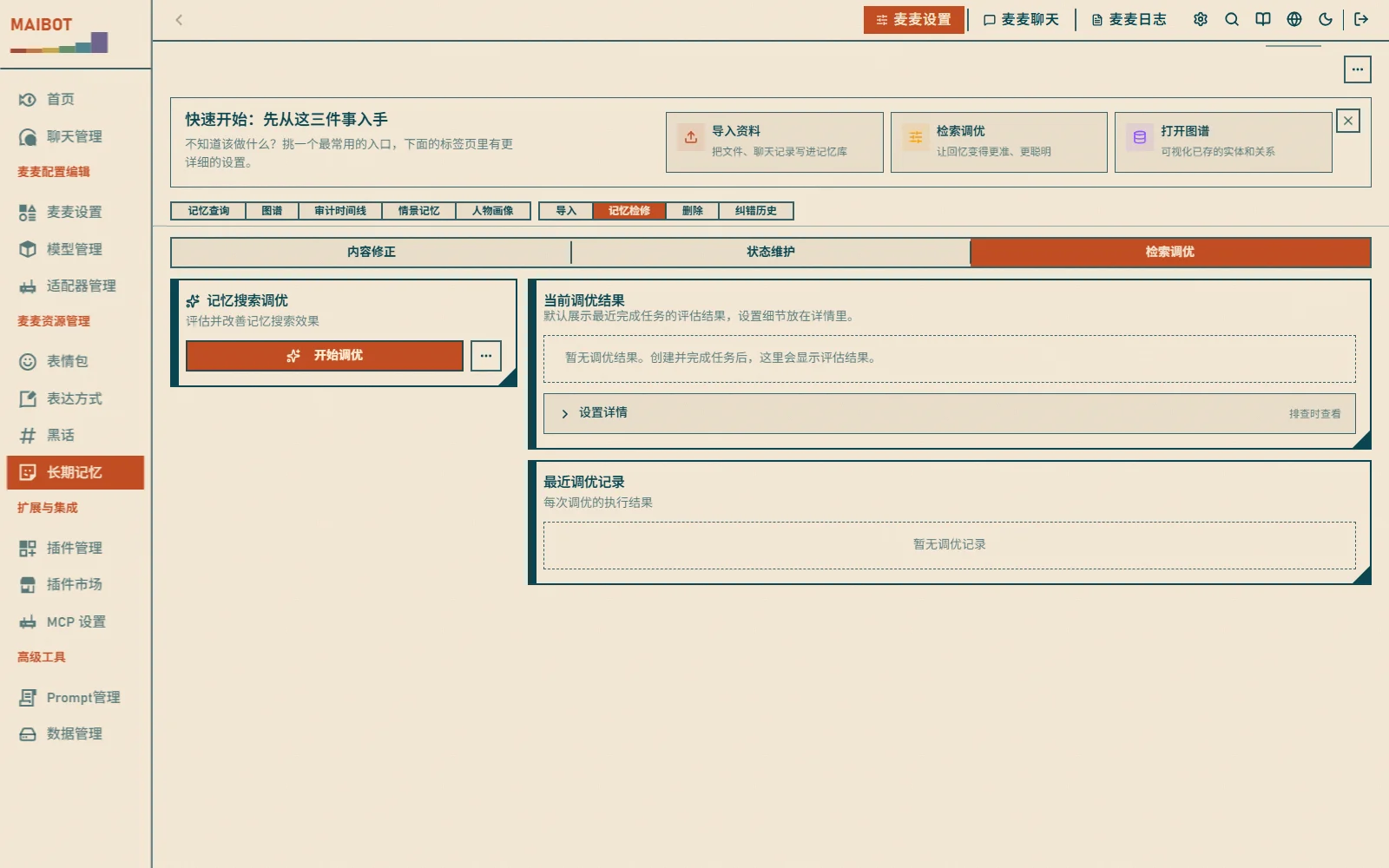
- The page keeps only the description and the start button
- Tuning parameters live in the "调优参数" (Tuning parameters) dialog; they only affect the next tuning task, and defaults are usually fine
- After a task completes, review the evaluation result and apply the recommendation with one click if it passes validation
Runtime Maintenance
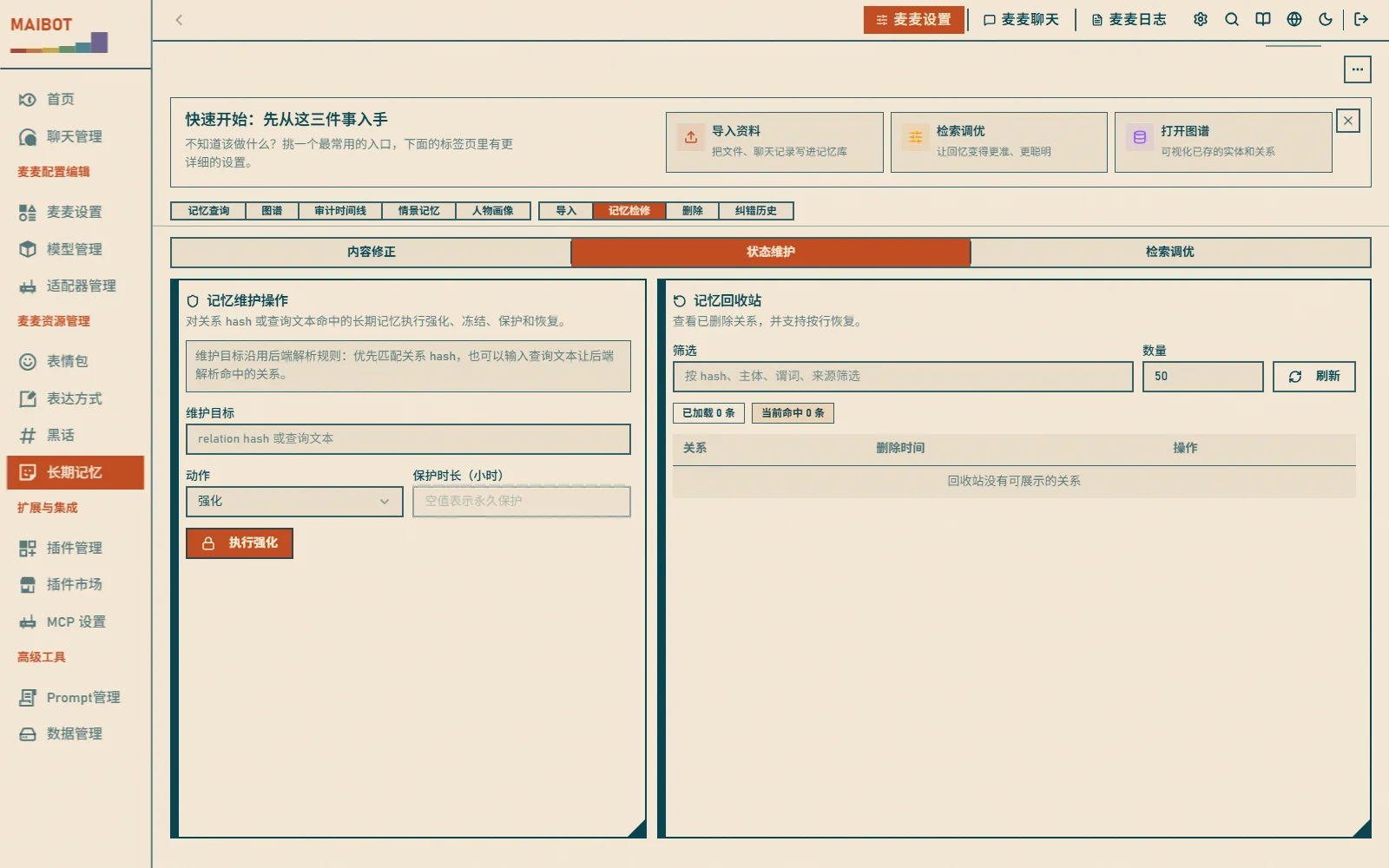
记忆检修 → 状态维护 (Memory inspection → State maintenance) provides runtime self-checks, the auto-save switch, vector rebuild, paragraph vector backfill, import tasks, and delete operation records. The "更多操作" (More actions) menu in the top-right corner centralizes memory runtime status (including vector rebuild and data refresh).
Usage Recommendations
Daily Maintenance
- Review memory regularly and delete useless content
- Correct errors as soon as they are found
- Manually reinforce important information
Improve Effectiveness
- Teach the bot domain knowledge to make it smarter
- Refine person profiles for more considerate conversations
- Set memory capacity appropriately to balance performance and effect
Verification & Troubleshooting
Verify: import a piece of text; after the task completes, the content should be searchable in 记忆查询 (Memory query).
Import tasks stuck in queue or failing?
- Confirm a working model provider is configured (import needs models for extraction and vectorization)
- Check the failure reason in the task details
Memory query finds nothing?
- Confirm the import task completed (status "已完成")
- Check whether vectors are built; rebuild them in "状态维护" (State maintenance) if necessary
How long are memories kept?
Kept long-term by default. Memory evolution gradually decays old relation weights, and low-weight content may be marked for pruning; the exact behavior is controlled by A_Memorix's memory evolution configuration.
Do memories leak privacy?
Memory data is stored in local directories by default. Generating summaries, profiles, corrections, or vectors may call the model services you configured; confirm the data boundary according to your deployment and model provider.
Related Docs
- A_Memorix Config — memory system parameters
- Chat & Statistics — chat logs, stickers, and expression styles