Chat History and Statistics
See how active MaiBot is and what it has been chatting about! The home page gives an overview, the detailed statistics page shows data, the chat management page shows records, and the resource pages manage stickers, expression styles, and slang.
Home Overview
The home page (/) you land on after login shows the running overview in cards:
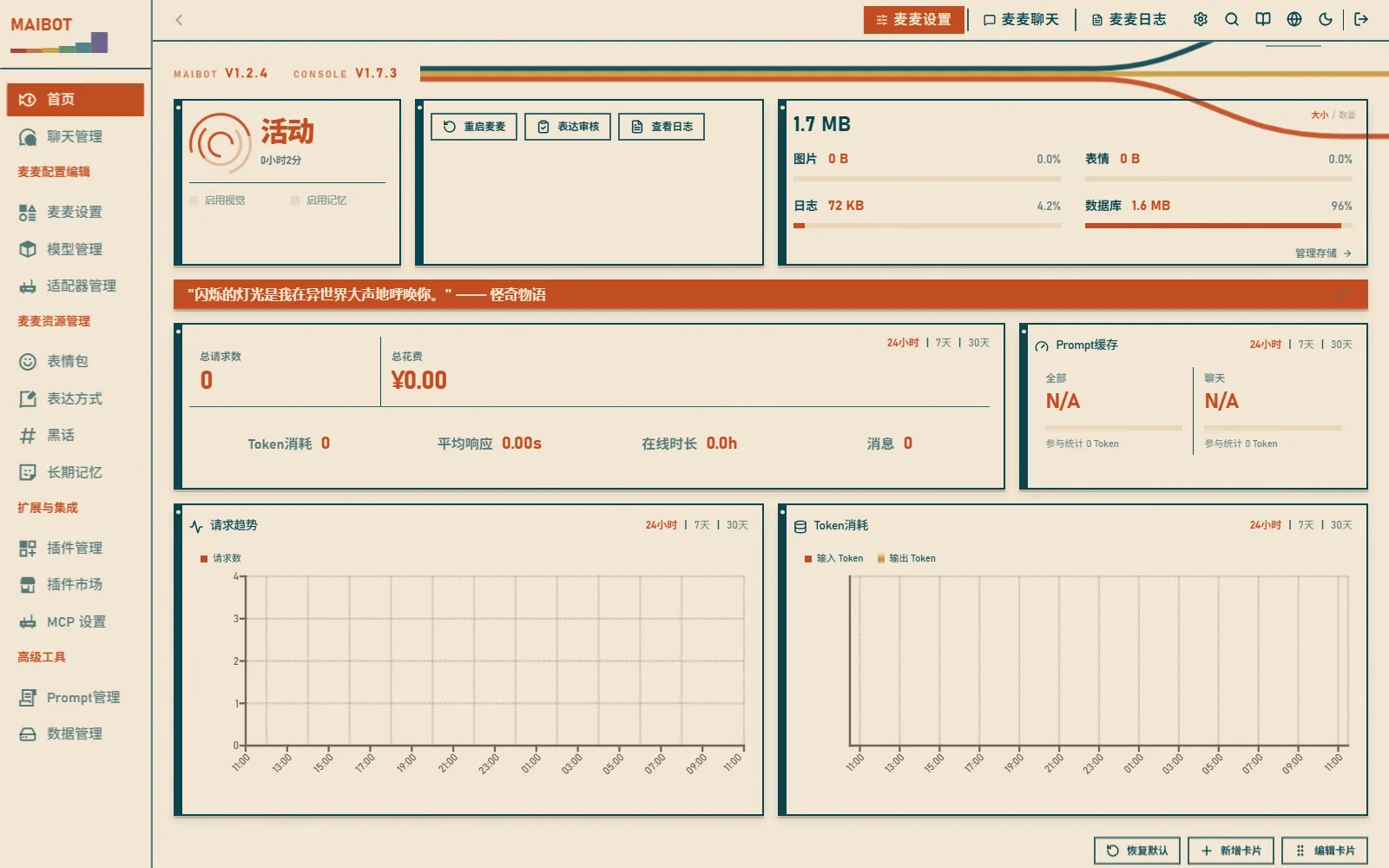
- Bot status — online status and uptime
- Statistics overview — messages, replies, requests, token usage
- Trend charts — requests, tokens, and cost over time
- Model distribution — usage share and details per model
- Prompt cache — cache hit rate and saved cost
Cards can be dragged to reorder, added, or removed; the top-right corner switches between 24-hour / 7-day / 30-day time ranges.
Detailed Statistics
Switch the top workspace to "麦麦日志" (MaiBot Logs) and select the 详细统计 (Detailed Statistics) tab (/statistics) to open the interactive detailed statistics page:
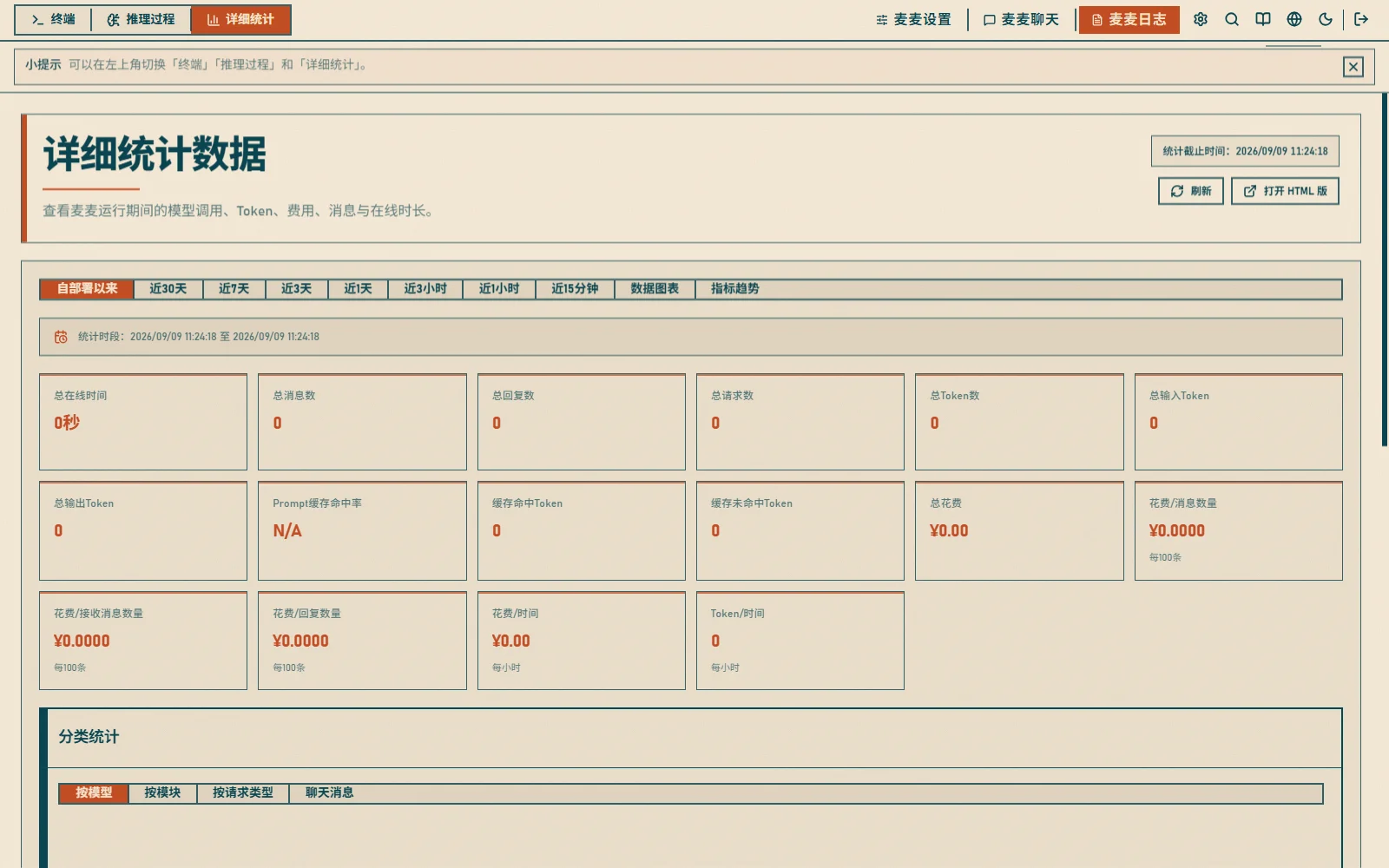
The time range can be switched at the top of the page:
- All time / Last 30 days / Last 7 days / Last 3 days
- Last 24 hours / Last 3 hours / Last 1 hour / Last 15 minutes
Core Metrics
- Uptime — total running duration of the bot
- Messages / Replies — messages received and replies sent
- Requests / Token Usage — model call count and total input/output tokens
- Cache Hits — cache hit/miss tokens and hit rate
- Cost — total spend, cost per 100 messages, cost per hour, etc.
Multi-Dimensional Analysis
Detailed statistics can be broken down by:
- Model — request count, tokens, cache hit rate, cost and average latency per model
- Module — call distribution aggregated by feature module
- Request Type — cost share by request type
- Chat Messages — message volume and cost per chat flow
- Charts / Metric Trends — time-series changes in cost, message volume, etc.
Chat Management
The 聊天管理 (Chat Management) page (/chat-management) manages all chat flows:
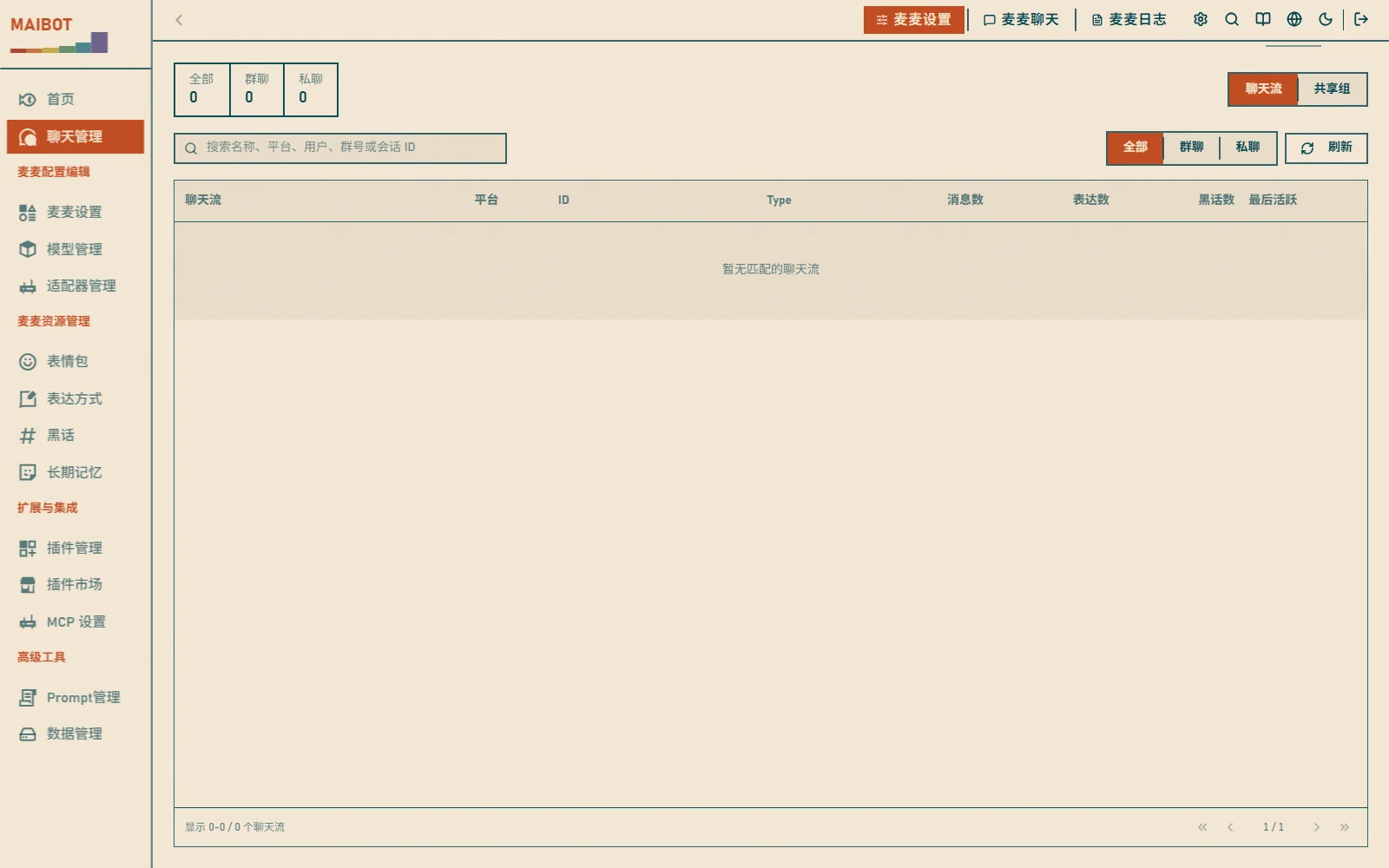
- View message records per chat flow: who said what, how the bot replied, and when
- Filter by user, time range, and chat flow
- Manage learning settings such as speaking frequency rules
Local Chat
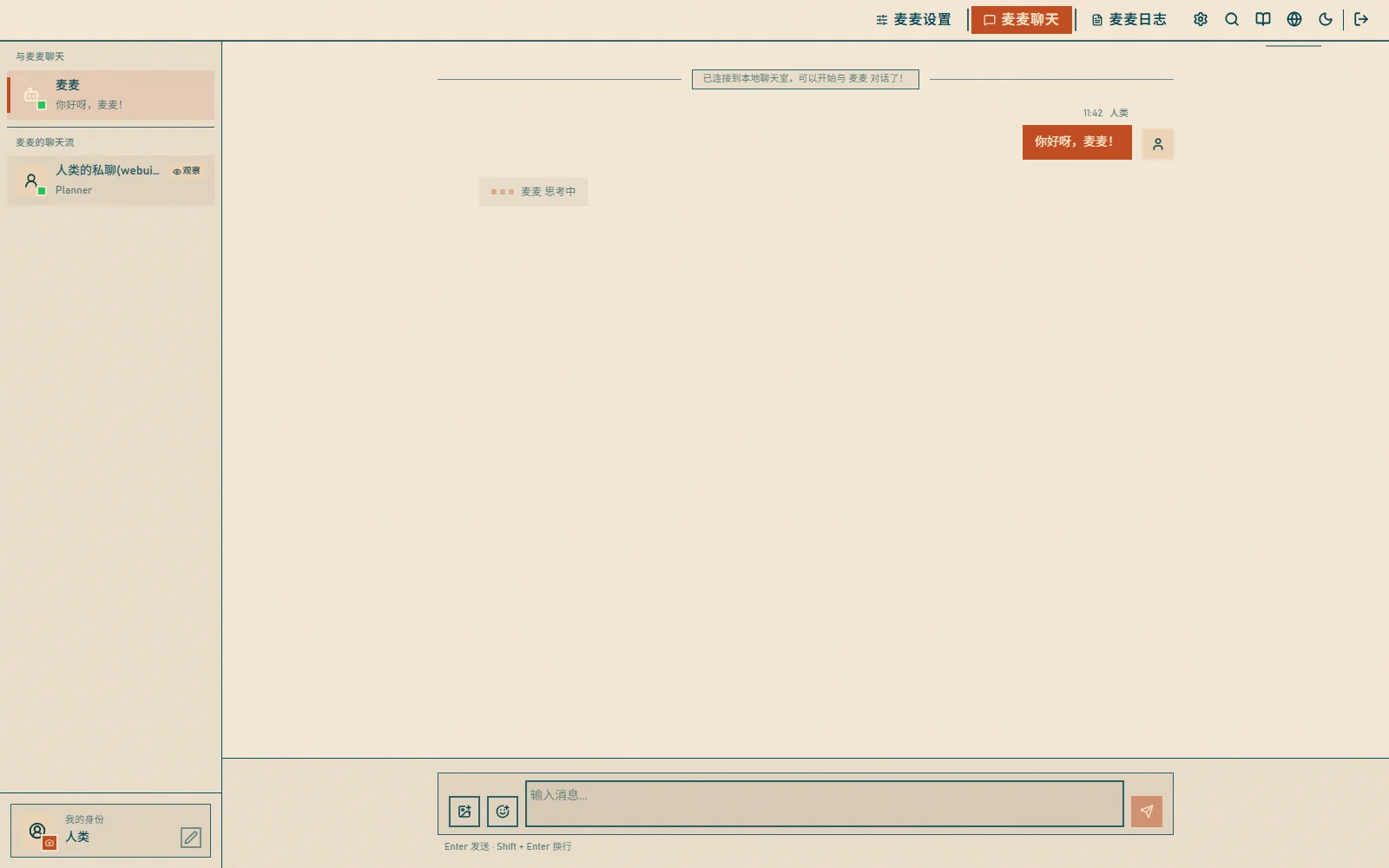
Switch the top workspace to "麦麦聊天" (MaiBot Chat, /chat) to talk to MaiBot directly without any external platform:
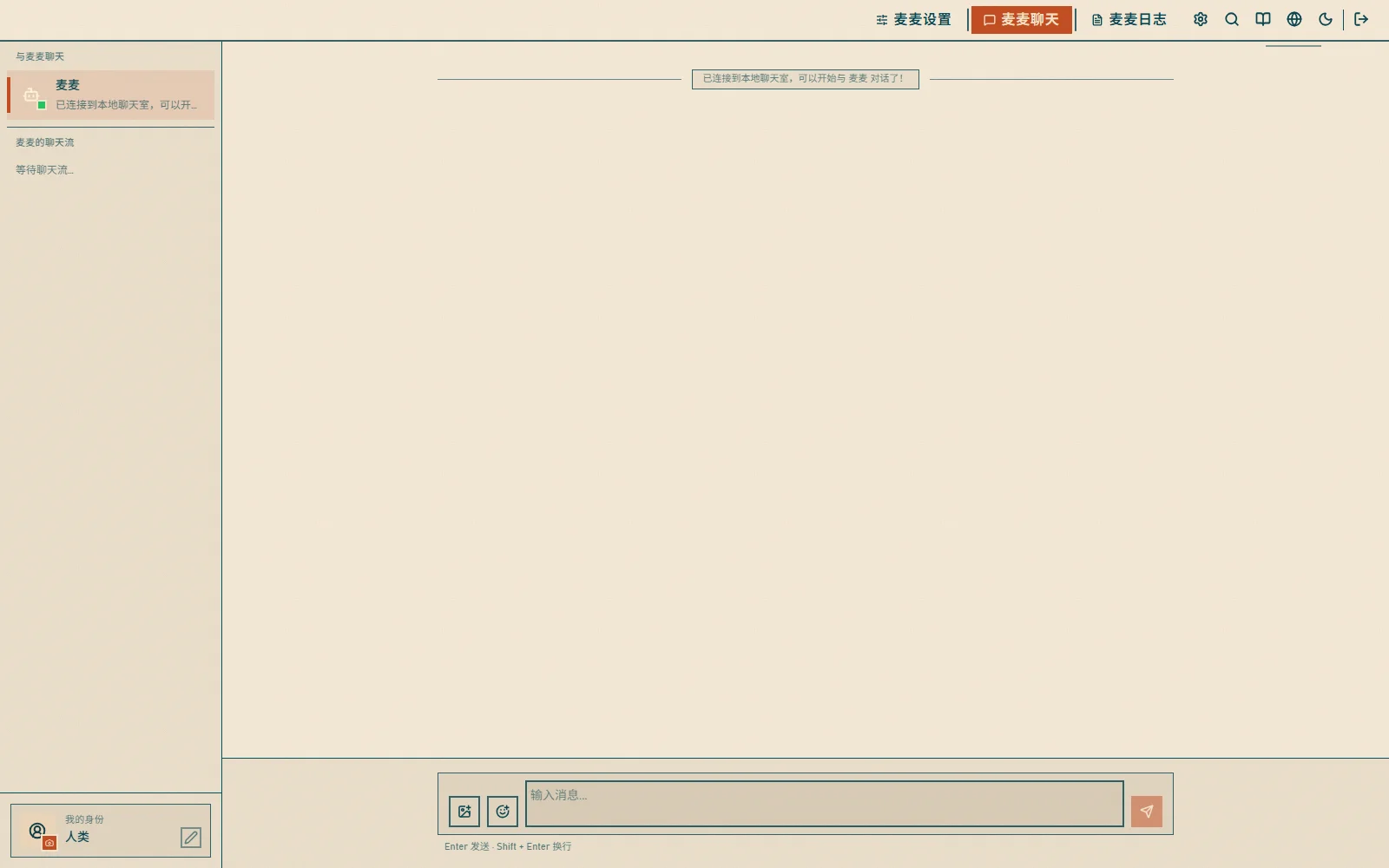
- Type a message and press Enter to send
- Change your nickname and switch virtual identities
- Message history is saved automatically
Stickers
The 表情包 (Stickers) page (/resource/emoji) manages collected stickers:
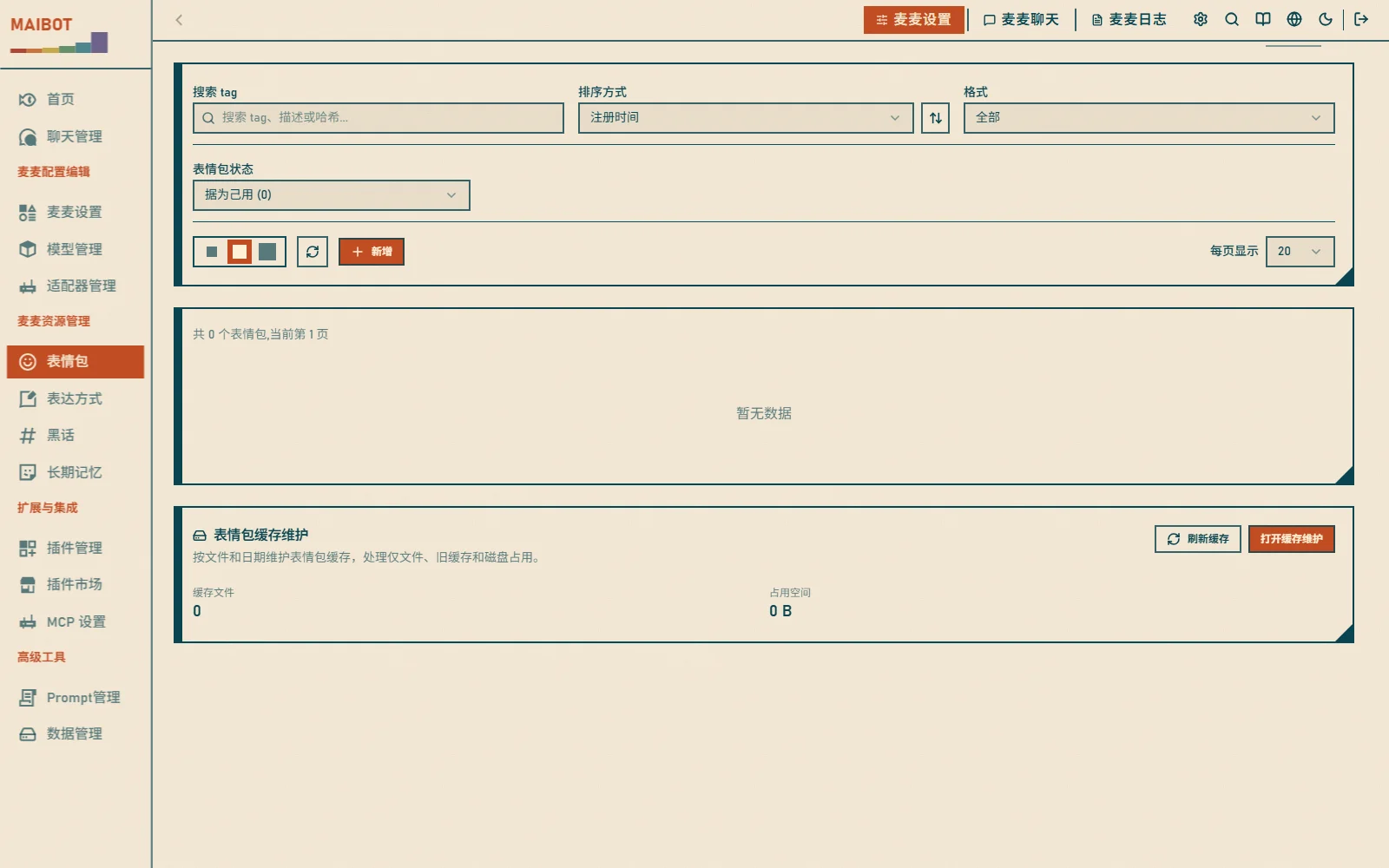
- Usage frequency statistics and popular stickers
- Upload new ones and disable inappropriate ones
Stickers in the WebUI are uniformly displayed in four states:
- 认识 (Known): has a description, but is not registered or banned
- 不认识 (Unknown): no description yet, and not registered or banned
- 据为己用 (Claimed): already registered and available for MaiBot to use
- 丢弃 (Discarded): already banned and no longer used
Stickers manually uploaded via the WebUI are directly marked as "据为己用" (Claimed). The tag list filled in during upload is merged into the sticker description; if the image already exists in the database, the original record is reused, the description is updated, the ban is lifted, and it is marked as registered. Deleting unregistered stickers synchronously deletes the database record and local file; deleting registered stickers first unloads them from the available sticker library, then deletes the database record and file.
Expression Styles
The 表达方式 (Expression Styles) page (/resource/expression) manages the speaking styles MaiBot has learned:
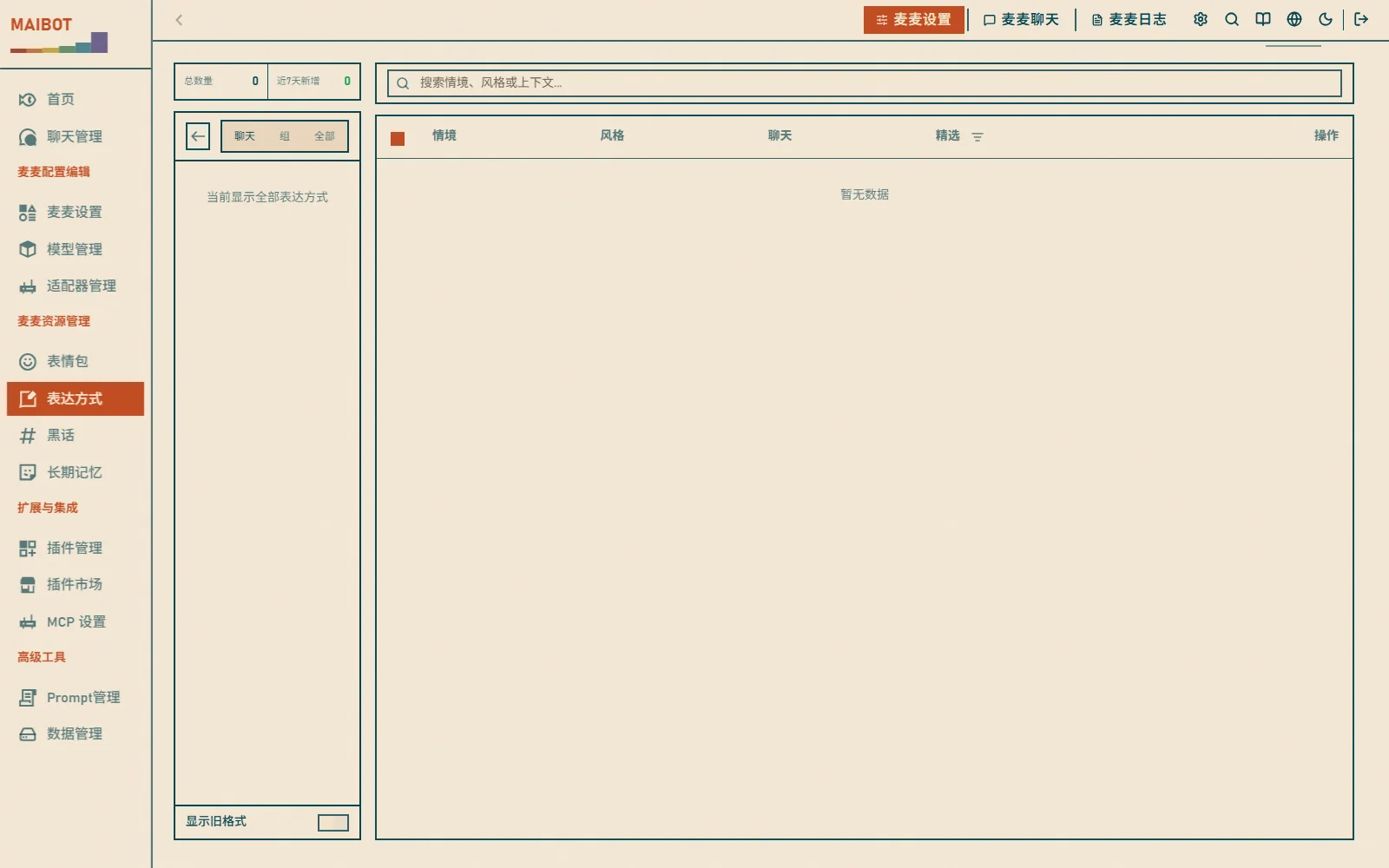
- Formal/casual, lively/serene, humorous/serious, and other styles
- Manually confirm or reject them
Slang
The 黑话 (Slang) page (/resource/jargon) manages the internet slang learned by the bot:
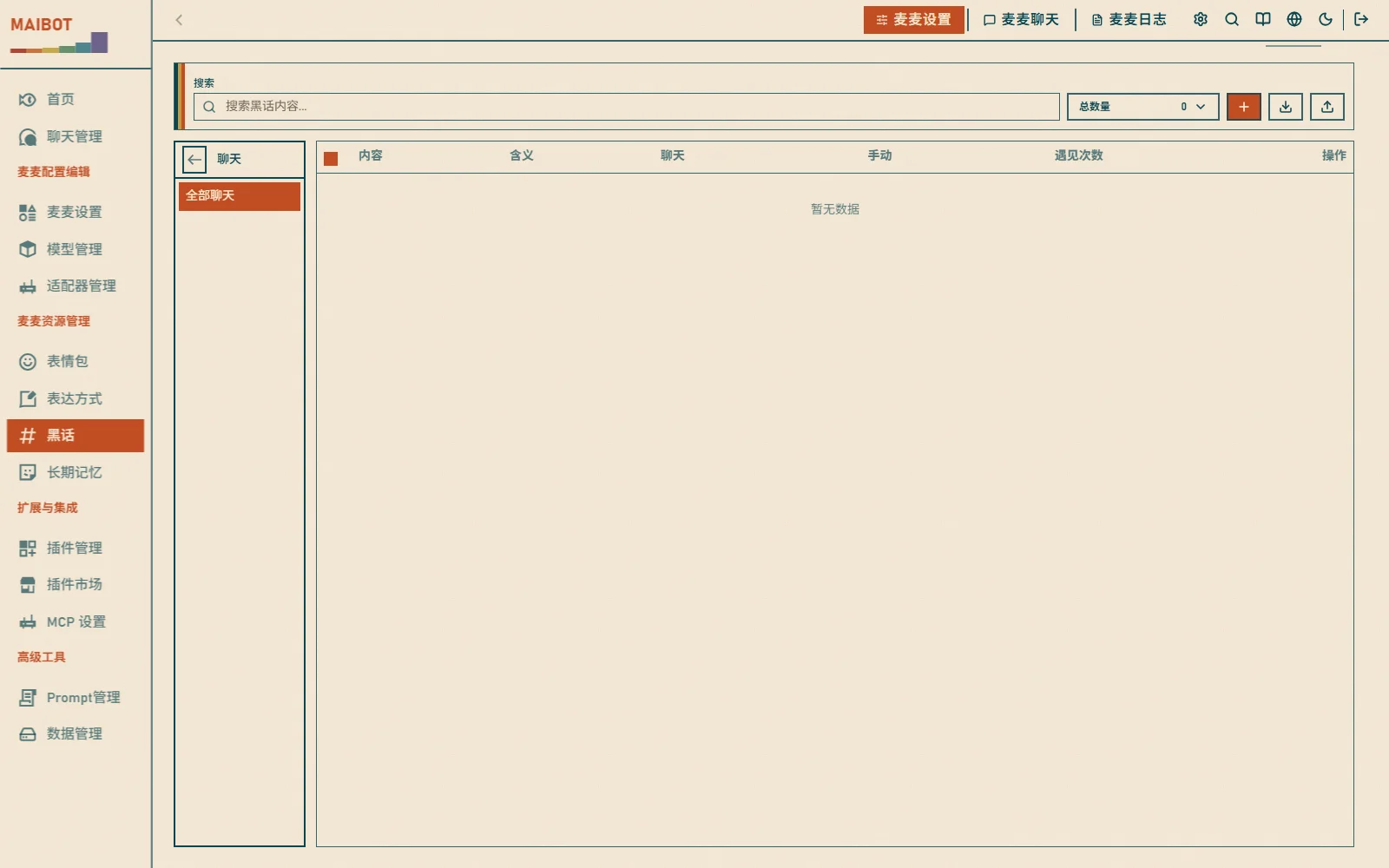
- New and trending words, memes and jokes, niche community terms
- Manually confirm or reject them
Reply Effect Evaluation
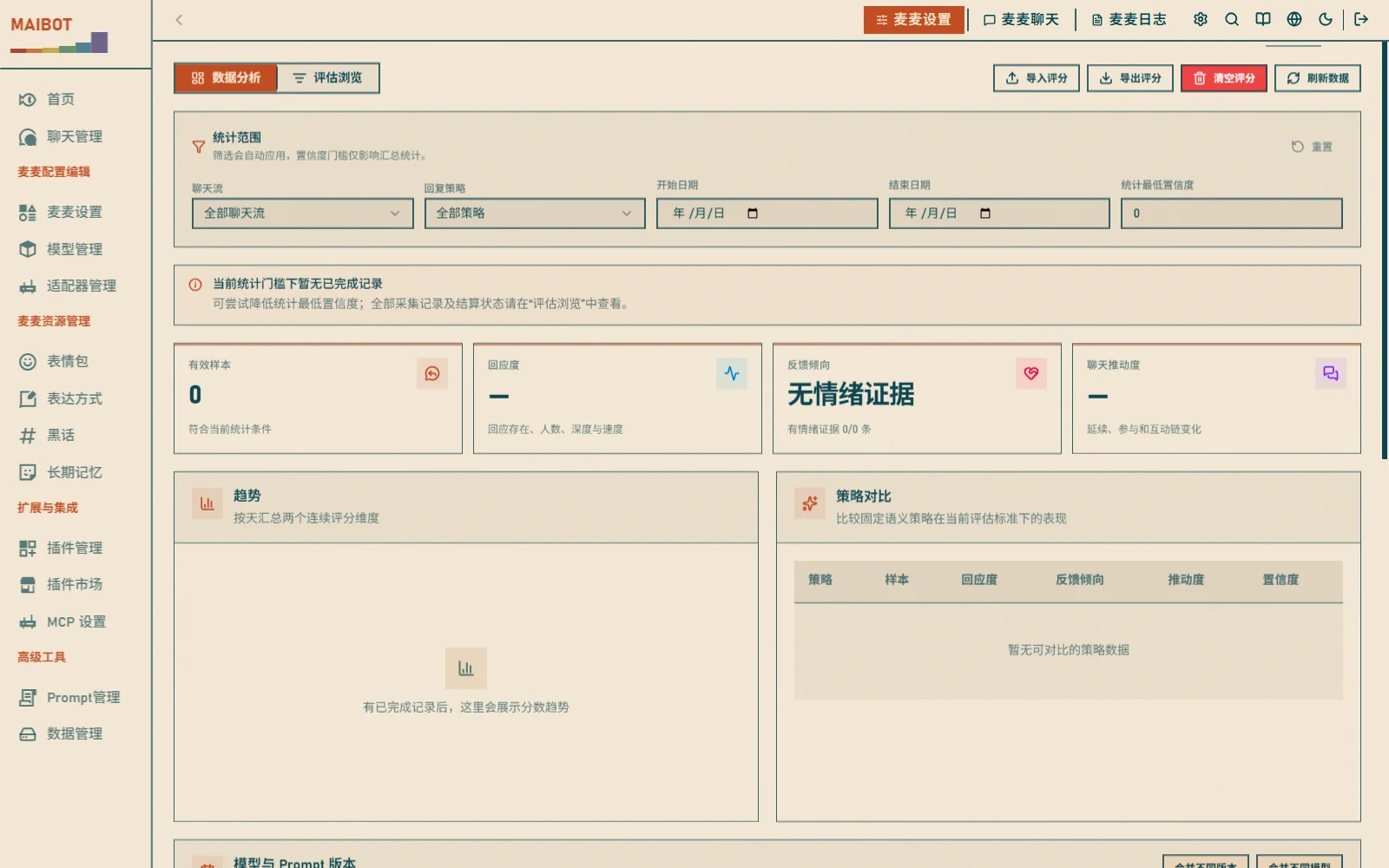
Reply effect evaluation measures how good each of MaiBot's replies is — whether it responded to the user and whether it responded appropriately. It's an important reference for tuning prompts or comparing model performance.
Enabling
Enable it in the [debug] section of bot_config.toml:
[debug]
enable_reply_effect_tracking = true
Once enabled, a 回复效果 (Reply Effects) page (/reply-effects) appears under the "高级工具" (Advanced Tools) group in the WebUI sidebar.
Scoring Semantics (currently v6)
The evaluation standard has been upgraded over several rounds; the current implementation is v6:
- Responsiveness — measures whether the reply responds to the user; "how fast the user replied" is no longer used as evidence, and the remaining responsiveness evidence is normalized by its original weight ratio
- Total score — the raw total score without clear semantics has been removed; only per-dimension evidence is shown
- No related info — when no info related to the reply is found, no confidence is generated and the record is marked "completed / no info"
- Incomplete records — records that haven't finished the observation window (still watching subsequent feedback) are marked "incomplete" and excluded from scoring and aggregate stats
- Failure retry — records that failed during evaluation (e.g. prompt truncation) are automatically retried after a restart
Viewing and Operations
- Score distribution — scores are shown as a per-sample scatter plot, clearly exposing zero-score clustering, outliers and within-model fluctuation
- Delete / clear scores — you can delete a single score record, or clear all score data for a chat / globally
- Record limit — each chat keeps at most
maisaka_reply_effect_limitrecords (default 256); older records are cleaned up automatically
Reasoning Process Token Display
In the 推理过程 (Reasoning Process) page (/reasoning-process), the log list and details show the following for each LLM request:
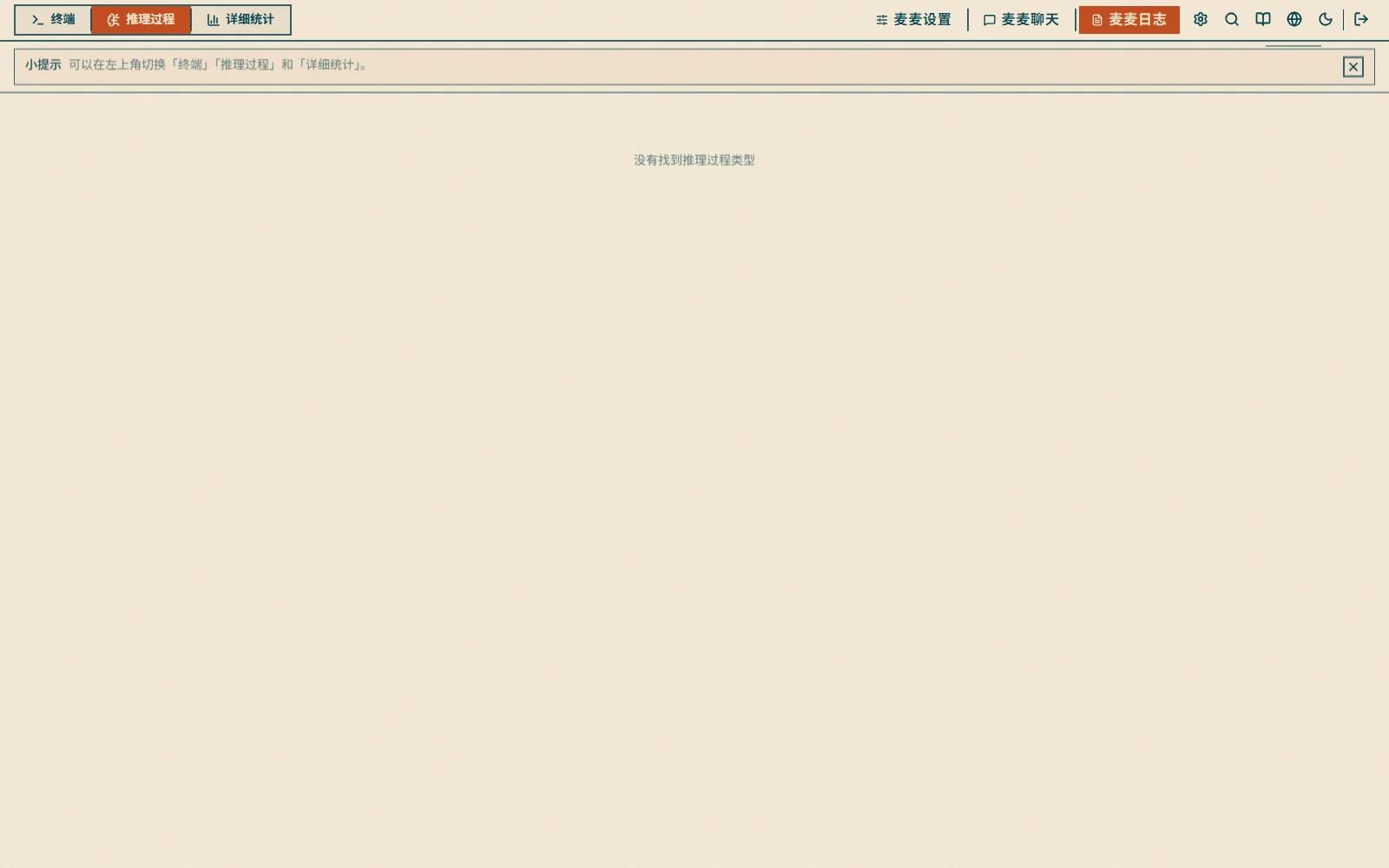
- Input tokens — tokens sent to the model in the request
- Output tokens — tokens returned by the model
- Total tokens — input + output
This makes the reasoning cost of a single reply easy to evaluate, especially cost growth in high-activity group chats.
Log Viewer
Switch the top workspace to "麦麦日志" (MaiBot Logs) and select the 终端 (Terminal) tab (/logs) to watch MaiBot's runtime logs in real time:
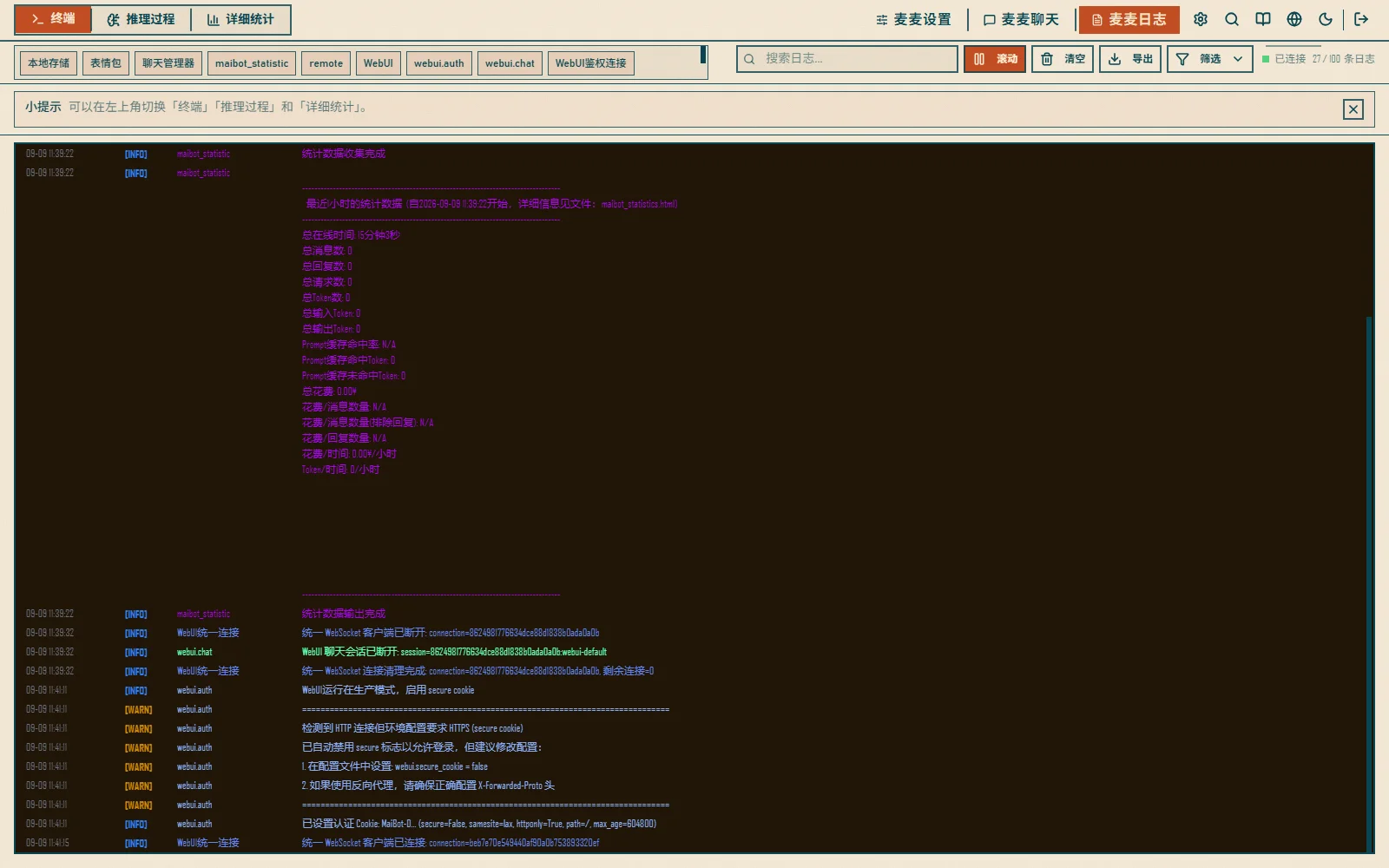
- Filter by level (DEBUG / INFO / WARNING / ERROR / CRITICAL)
- Keyword search, auto-scroll, and log export
Usage Recommendations
Daily Checks
- Check statistics daily to understand activity levels
- Monitor cost changes to avoid overspending
- Review user feedback to improve the bot
Data Analysis
- Analyze peak hours to schedule maintenance appropriately
- Observe user preferences to adjust the bot's personality
- Track popular topics to add relevant content
Optimization Tips
- Response too slow? Check configuration
- Costs too high? Switch to a cheaper model
- Too few users? Increase promotion
Verification & Troubleshooting
Verify: after sending a message, the message count on the home statistics overview increases and the record appears on the detailed statistics page.
Statistics are empty?
- A fresh deployment with no messages yet has empty data, which is normal
- Make sure the time range is correct (default "All time")
Detailed statistics failed to load?
- Retry later; statistics are collected periodically by background tasks
- The legacy static report is still available at
maibot_statistics.html
How to reduce usage costs?
- Choose cheaper models, reduce unnecessary calls, and optimize prompts
- Watch the prompt cache hit rate; a low rate means the context changes frequently